
Brzi početak
Ovaj vodič vodi od praznog ekrana do trenutka kada možete da izdate prvi dokument. Traje desetak minuta i radi se jednom.
Ako tek treba da instalirate program na računar, prvo pogledajte Instalaciju.
1. Napravite nalog
Odeljak pod nazivom „1. Napravite nalog“Otvorite AnyBiz i kliknite Registrujte se.
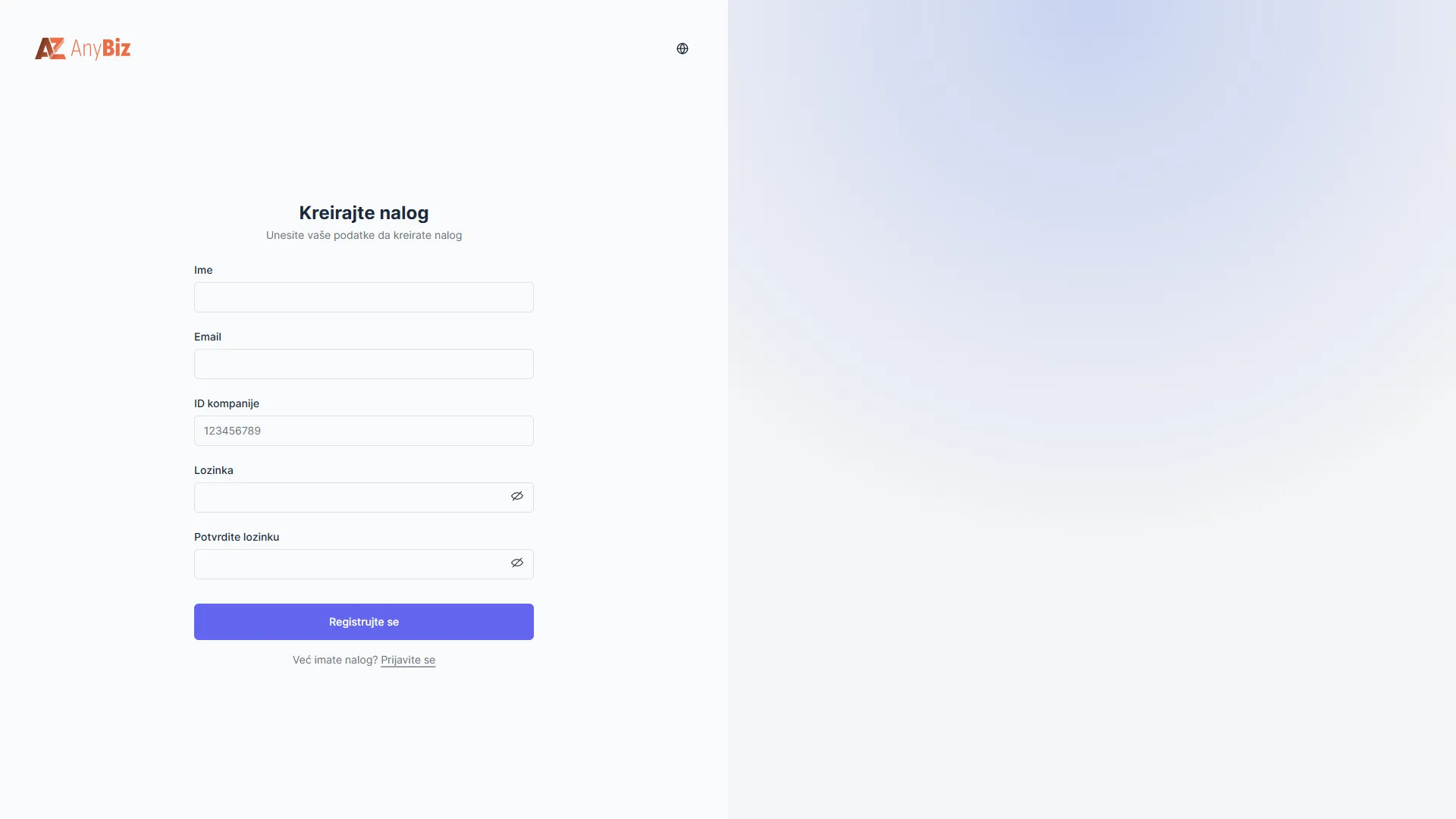
Unesite ime, email adresu, PIB firme i lozinku, pa potvrdite.
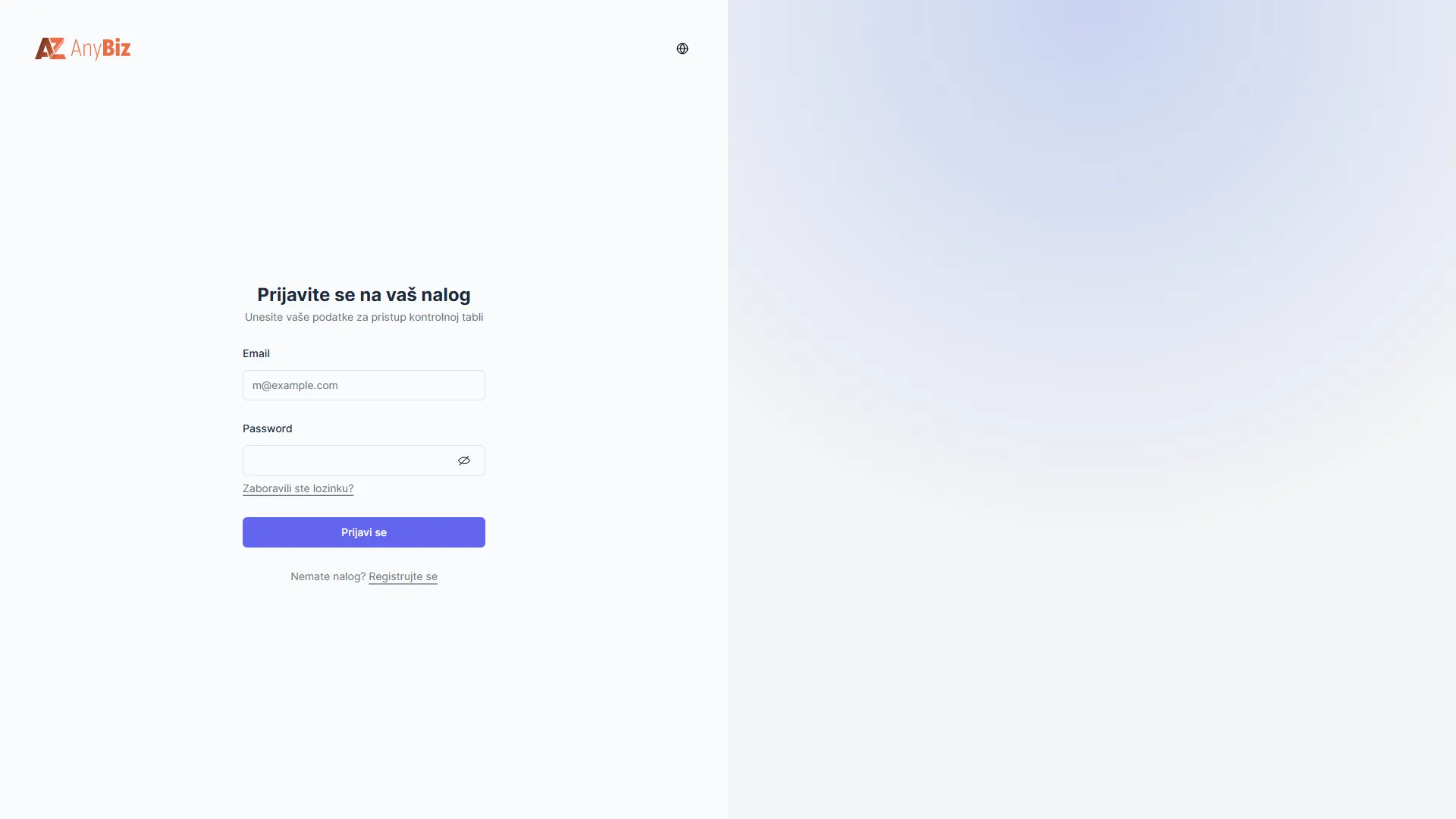
Ako nalog već imate, kliknite Prijavi se i unesite email i lozinku.
2. Napravite organizaciju ili se pridružite postojećoj
Odeljak pod nazivom „2. Napravite organizaciju ili se pridružite postojećoj“Organizacija je vaša firma u aplikaciji. Svi dokumenti, proizvodi i radnici pripadaju njoj.
- Kreirajte organizaciju — ako ste vlasnik ili prvi koji podešava sistem.
- Pridružite se organizaciji — ako vas je neko pozvao. Poziv stiže na email; otvorite ga i prihvatite.
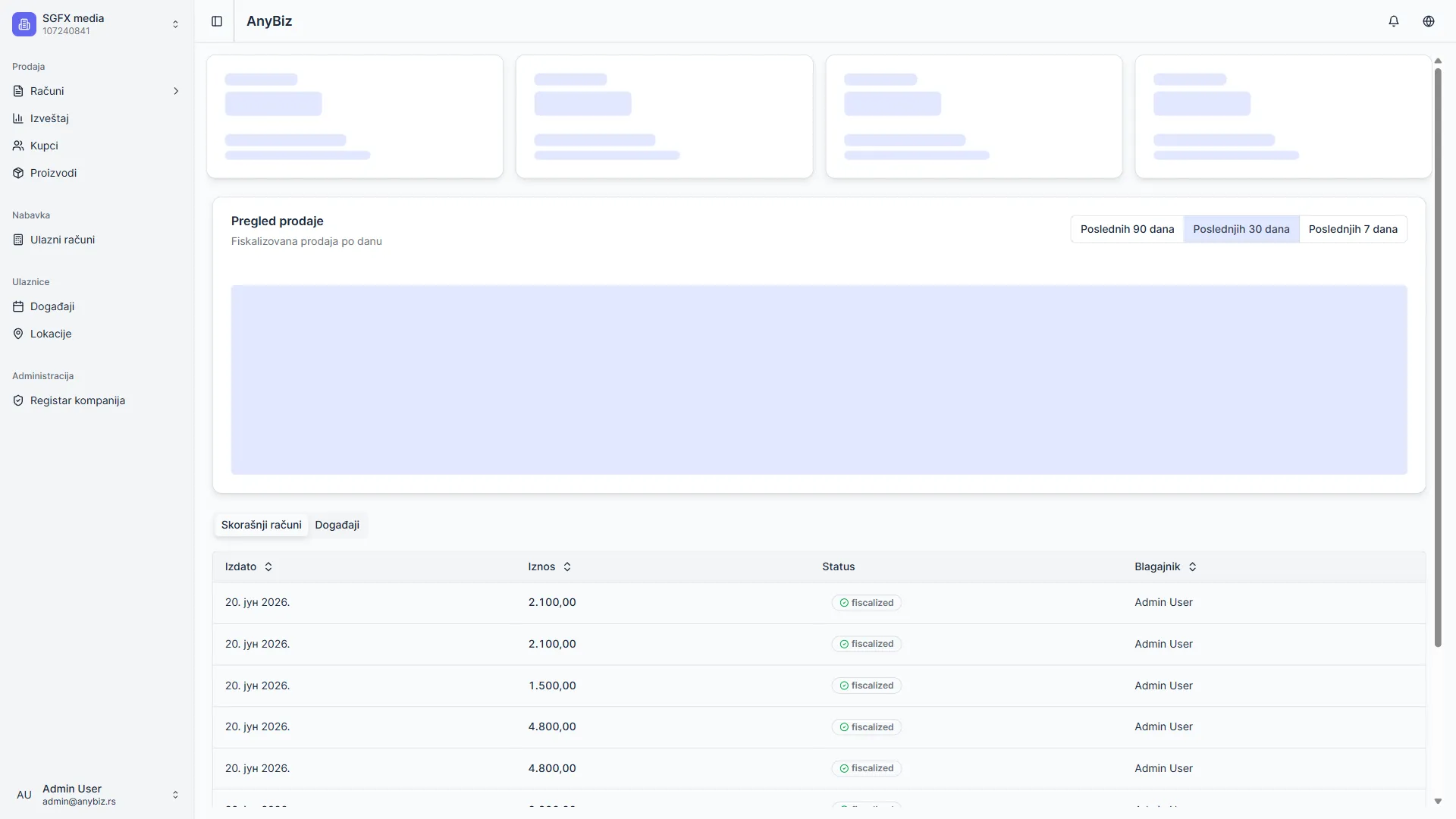
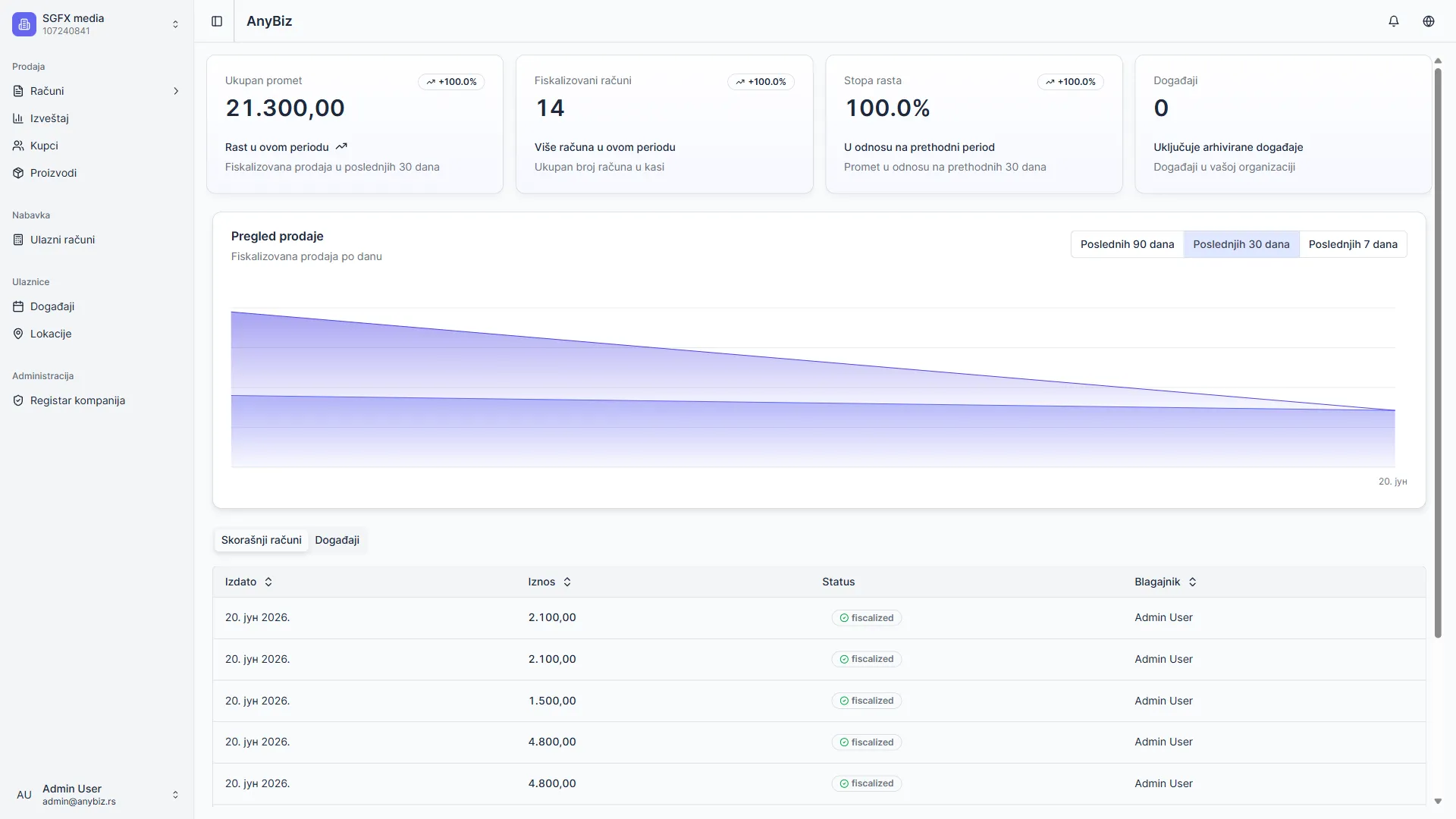
Sa leve strane je meni sa onim što vaša firma koristi — Prodaja, Nabavka, Ulaznice i slično. Šta se tu vidi zavisi od vaše pretplate.
3. Popunite podatke o firmi
Odeljak pod nazivom „3. Popunite podatke o firmi“Idite na Podešavanja → Organizacija. Ovi podaci se štampaju na svakom računu i šalju na eFakturu, pa moraju biti tačni.
Obavezno popunite:
| Polje | Napomena |
|---|---|
| Naziv organizacije | Kako se firma zove u aplikaciji |
| Pravno / registraciono ime | Tačan naziv iz APR-a. To ide na fakture |
| Matični broj | Osam cifara. Nije isto što i PIB |
| Adresa | Ulica, grad, poštanski broj, država |
| Adresa firme za dokumenta i poruke kupcima | |
| Tekući račun (IBAN) | Obavezno ako šaljete eFakture |
Kliknite Sačuvaj.
Ako neko polje nedostaje, aplikacija to sama javi i ponudi da vas odvede pravo na njega.
Detaljno: Podešavanje organizacije.
4. Pozovite ostale radnike
Odeljak pod nazivom „4. Pozovite ostale radnike“Ako niste jedini koji radi u aplikaciji, idite na Podešavanja → Članovi i pozovite kolege po email adresi.
Svako radi pod svojim nalogom — tako se na svakom računu vidi ko ga je izdao.
Detaljno: Operateri.
5. Nastavite prema tome šta radite
Odeljak pod nazivom „5. Nastavite prema tome šta radite“| Ako radite… | Nastavite ovde |
|---|---|
| Na fiskalnoj kasi | Prvi koraci na kasi — čitač, kartica, PIN, štampač i proizvodi |
| Fakture za plaćanje virmanom | Fakture (POS) |
| Elektronske fakture | E-Faktura (SEF) |
Sledeći korak
Odeljak pod nazivom „Sledeći korak“- Prvi koraci na kasi
- Korisnički vodič — svi vodiči na jednom mestu